Progressive Web Apps: Bridging the Gap Between Web and Native
PWAs offer the reach of the web with capabilities that once required a native app. Here is when and how to use them.
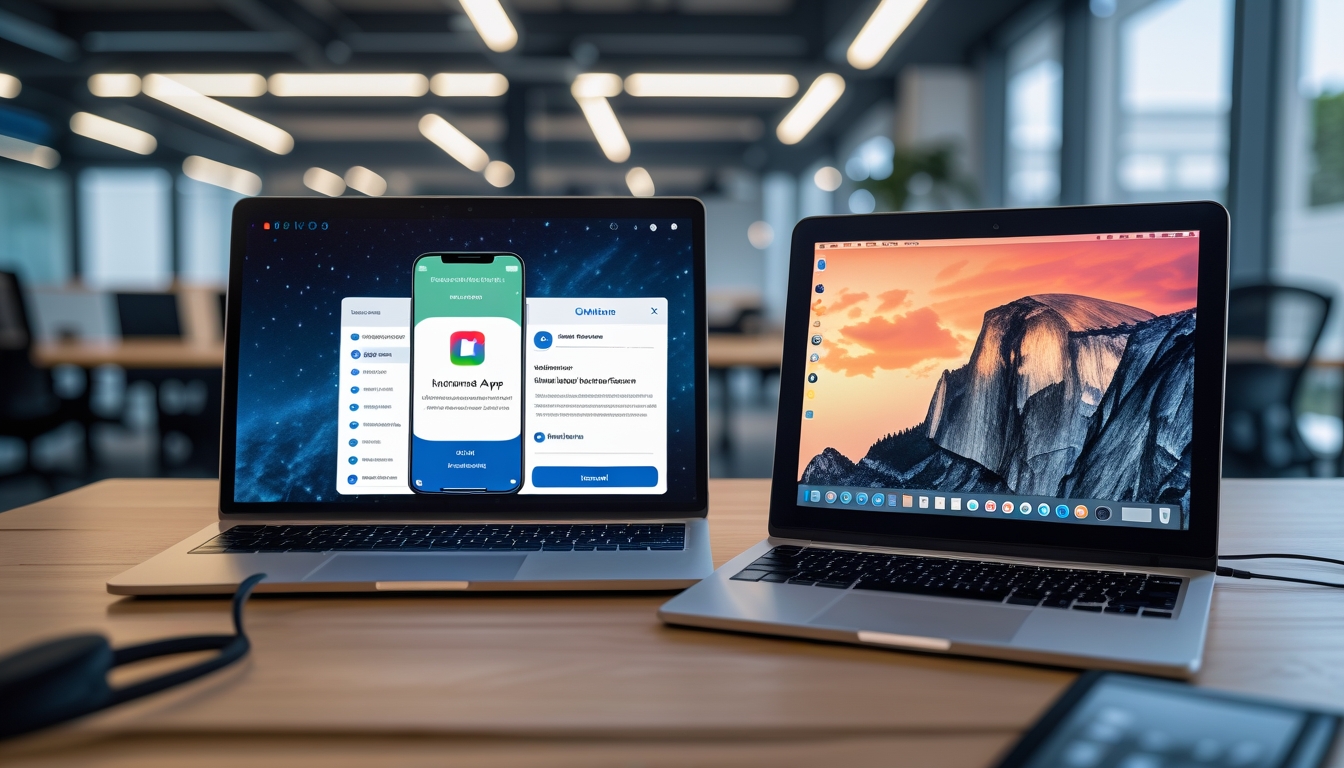
Progressive Web Apps represent one of the most significant shifts in how we think about building digital experiences. A PWA is a website that uses modern web technologies to deliver an experience that feels and functions like a native mobile application. Users can install it on their home screen, use it offline, receive push notifications, and interact with it at native-like speeds, all without downloading anything from an app store. For Australian businesses considering mobile presence, PWAs offer a compelling middle ground between a traditional website and a native mobile application.
What Makes a PWA Progressive
The term progressive refers to the fact that a PWA works for every user regardless of their browser or device capabilities. On a modern browser that supports all PWA features, users get the full experience including offline access, push notifications, and home screen installation. On an older browser, the same application still works as a standard website. This progressive enhancement approach means you never exclude users while still providing an enhanced experience for those whose devices support it.
Three technical requirements define a PWA. First, it must be served over HTTPS, which ensures that the communication between the user's device and your server is encrypted and secure. Second, it must include a web app manifest, a JSON file that describes how the application should appear when installed, including its name, icons, colour scheme, and display mode. Third, it must register a service worker, a JavaScript file that runs in the background and enables offline functionality, caching strategies, and push notifications.
The service worker is the most powerful of these components. It sits between your application and the network, intercepting requests and deciding how to handle them. When the network is available, the service worker can serve responses from the network while caching them for future use. When the network is unavailable, the service worker can serve cached responses, allowing the application to function offline. This capability transforms a web application from something that requires a constant internet connection into something that works reliably in any connectivity situation.
When a PWA Makes Sense
PWAs are particularly well-suited for content-driven applications that benefit from offline access. News sites, recipe apps, reference tools, and educational platforms all work well as PWAs because their content can be cached and consumed without a network connection. A tradesperson checking installation instructions on a job site with poor mobile reception, a commuter reading articles on the train through a tunnel, or a student reviewing course materials in an area without wifi all benefit from offline-capable web applications.
E-commerce businesses see significant benefits from PWA technology. The ability to load instantly from the home screen, work on flaky connections, and send push notifications for order updates and promotions addresses many of the conversion challenges that mobile web shopping faces. Several major retailers have reported 50 to 80 percent increases in conversion rates after implementing PWA technology, primarily due to faster load times and the improved user experience.
Service-based businesses like restaurants, salons, fitness studios, and professional services firms can use PWAs to provide booking systems, loyalty programs, and information portals that feel like dedicated apps without the cost and complexity of native app development. A Brisbane restaurant could offer a PWA that shows the menu, accepts reservations, tracks loyalty points, and sends push notifications about specials, all through a web application that customers access from their home screen.
Internal business tools and employee-facing applications are an often-overlooked use case for PWAs. An inventory management system, a field service reporting tool, or a staff scheduling application built as a PWA can work offline when employees are in areas without connectivity and sync data when they return to network coverage. This is particularly valuable for businesses with staff working in remote locations across Australia.
When Native Is Still Better
Despite the capabilities of modern PWAs, there are scenarios where native mobile applications remain the better choice. Applications that require intensive use of device hardware like the camera, GPS, accelerometer, or Bluetooth benefit from the deeper hardware access that native development provides. While web APIs exist for many of these capabilities, native access is typically more reliable, more performant, and supports more advanced use cases.
Gaming and graphics-intensive applications perform better as native apps, where they can take full advantage of the device's GPU and rendering pipeline. While WebGL and WebGPU have made impressive strides, native graphics frameworks still offer superior performance for demanding visual applications.
Applications that rely heavily on platform-specific features like Apple's HealthKit, ARKit, or Android's Material You design system need native development to access these features. If your application's core value proposition depends on tight integration with platform-specific capabilities, a native app is the appropriate choice.
Building a PWA: Key Technical Decisions
Caching strategy is the most important technical decision in PWA development. The cache-first strategy serves cached content immediately and updates the cache in the background, providing instant load times but potentially stale data. The network-first strategy tries the network first and falls back to cache if the network is unavailable, ensuring fresh data when possible while still working offline. The stale-while-revalidate strategy serves cached content immediately while simultaneously fetching updated content from the network, combining instant load times with eventual freshness.
We typically use different caching strategies for different types of content within the same application. Static assets like CSS, JavaScript, and images use a cache-first strategy because they change infrequently. API responses for frequently changing data use a network-first strategy with cache fallback. Content that benefits from instant display but should be updated when possible uses stale-while-revalidate. The Workbox library from Google provides well-tested implementations of these strategies and simplifies service worker development considerably.
Push notifications require careful implementation to avoid annoying users. Request notification permission only after the user has demonstrated engagement with your application, not immediately on first visit. Provide clear value in your permission prompt, explaining what types of notifications the user will receive. Allow users to customise their notification preferences, choosing which categories of notifications they want to receive. And most importantly, send notifications sparingly and only when they provide genuine value to the user.
Performance Considerations
PWAs must load fast to deliver on their promise of a native-like experience. The app shell architecture separates the application's core infrastructure, navigation, and layout from its content. The app shell is cached during the first visit and loads instantly on subsequent visits, while content is loaded dynamically. This approach provides the instant startup experience that users expect from installed applications.
Code splitting ensures that users only download the JavaScript needed for the current view, with additional code loaded on demand as they navigate to other sections. Combined with service worker caching, this means repeat visits load almost entirely from cache, with network requests only needed for fresh content data.
Key Takeaways
Progressive Web Apps offer a practical path to providing app-like experiences without the cost and complexity of native development. They work offline, load instantly, can be installed on the home screen, and support push notifications. They are particularly well-suited for content-driven applications, e-commerce, service businesses, and internal tools. Native apps remain the better choice for hardware-intensive applications, games, and platform-specific feature integration. For most Australian businesses considering mobile presence, a PWA provides the best balance of capability, reach, and development cost. At BuildLane Dev, we have seen PWAs transform how our clients engage with their mobile audiences, and we continue to recommend them as a practical, cost-effective approach to mobile-first digital experiences.
Want a PWA for Your Business?
We build progressive web apps that give your customers a native-like experience at a fraction of the cost of traditional app development.
Discuss Your Project